Best Family Memory Apps: Capture and Preserve What Matters Most
Family memories deserve more than a phone camera roll. The best family memory apps help you capture stories, organize personal history, record family traditions, and create a meaningful record that future generations can access. This guide compares the main categories of family memory apps and helps you find the right tool for your family's needs.
Short answer
Start by identifying the information, memories, documents, or messages that matter for best family memory apps: capture and preserve what matters most. Organize them into clear categories, record where the current source is kept, and add enough context for a trusted family member to understand it. Keep passwords and unnecessary sensitive details in dedicated secure systems. Work in small sessions, confirm uncertain facts, and review the result after major family changes. This guide supports organization and communication; it does not replace legal, financial, medical, funeral, emergency, or other qualified professional advice.
Table of Contents
- •Types of family memory apps
- •What the best family memory apps do differently
- •Why written memories complement photos
- •How Lieu & Legacy approaches family memory
- •A practical way to begin
- •Examples for different families
- •How to keep the information useful over time
- •Privacy and access considerations
- •Building a reliable source index
- •Questions to ask during each review
- •How to involve family without creating pressure
- •Common mistakes to avoid
- •How LIEU Legacy helps
- •When to speak with a professional
- •A final completeness check
Types of family memory apps
Story-focused apps
Tools like Lieu & Legacy that capture written memories, life stories, and family narrative with guided prompts.
Photo apps
Photo storage and sharing platforms — excellent for images but limited for personal story and context.
Genealogy apps
Family tree builders focused on lineage, dates, and ancestry records.
Memory book apps
Design tools for creating printable family memory books and scrapbooks.
Video capture apps
Interview and video recording tools for capturing spoken memories and stories.
General note apps
Flexible tools requiring manual setup — useful but not purpose-built for family memory work.
What the best family memory apps do differently
- Provide guided prompts so you know what to capture
- Organize memories by theme, time period, and family member
- Allow family sharing with privacy controls
- Separate stories and context from raw photo storage
- Create a lasting, accessible record rather than a scattered collection
Why written memories complement photos
Photos capture how things looked. Stories capture how things felt — the smells, sounds, emotions, and context that make a memory truly meaningful. The best family memory workflows combine photo storage with dedicated story-capturing tools so future generations receive the full picture of what family life was really like.
How Lieu & Legacy approaches family memory
Lieu & Legacy is purpose-built for the story side of family memory — guided prompts, organized sections, family notes, and personal history in one clear place. It works best alongside your existing photo storage, adding the narrative layer that photos alone cannot provide.
A practical way to begin
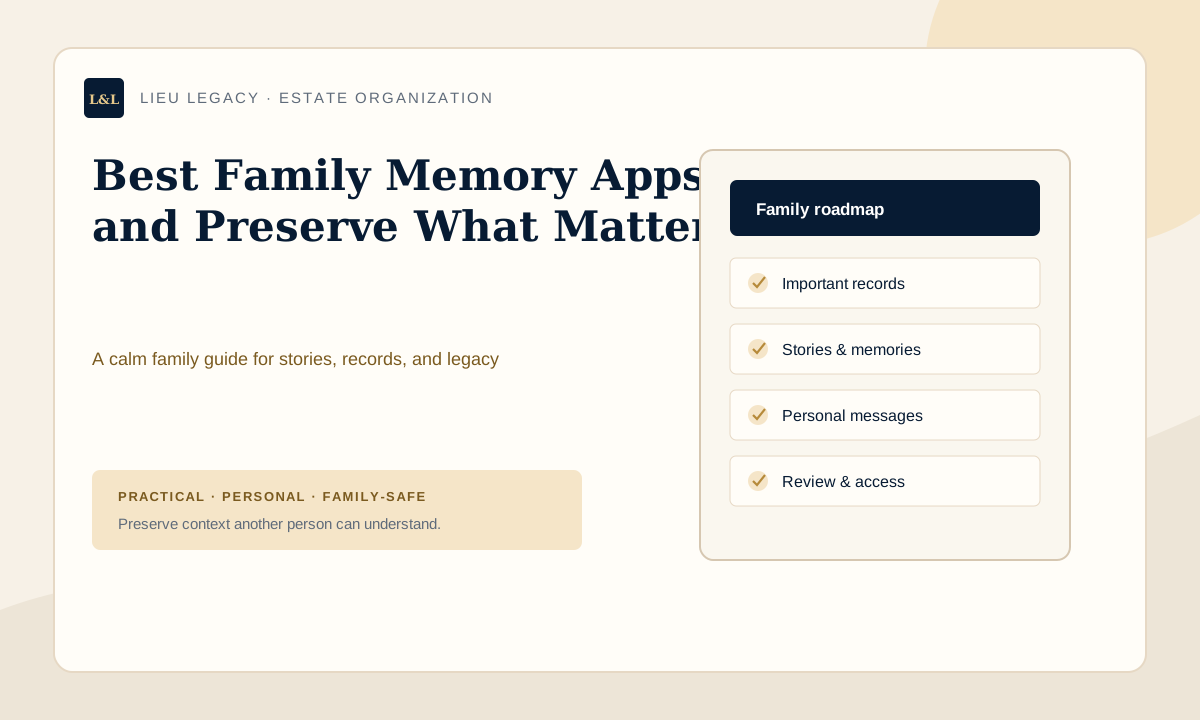
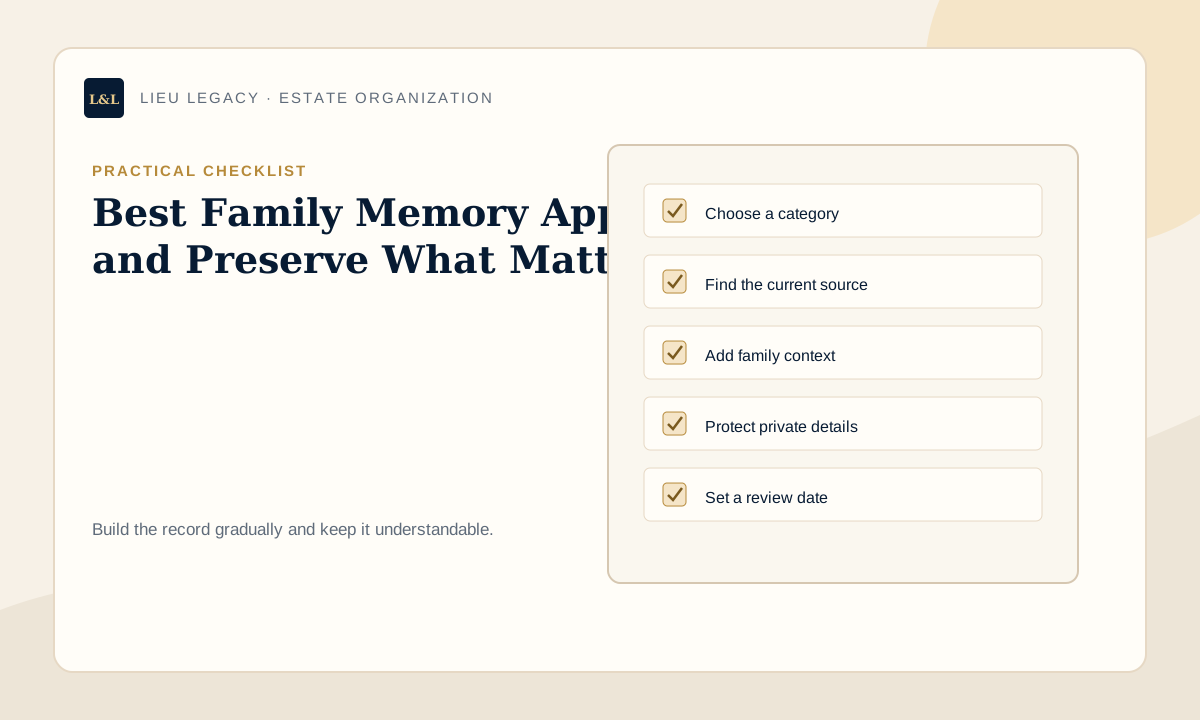
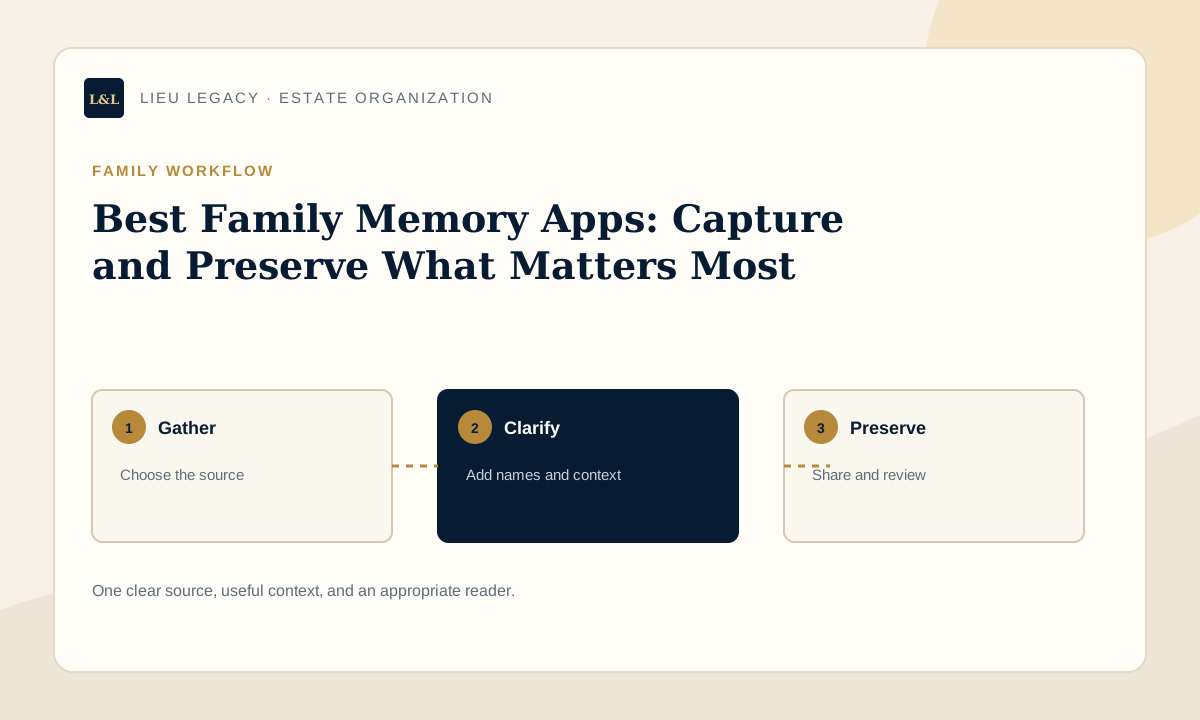
Choose one manageable category rather than trying to complete the entire project at once. Gather the current source, name the people who understand it, and write a plain-language description another family member could follow. Mark uncertain details for confirmation instead of guessing. A useful first session might organize one set of photographs, one document location, one group of story prompts, or one personal message. Finish by recording the date and the next small action. This creates momentum while keeping the work accurate and emotionally manageable. Keep a brief working note about what was reviewed, what remains open, and who can confirm the next detail so progress survives between sessions and another person can continue if needed.
- Choose one category with a clear purpose.
- Identify the current source and responsible contact.
- Use labels another person will understand.
- Separate confirmed facts from questions.
- Set one realistic next action and review date.
Examples for different families
A parent might begin with a short family overview, key contacts, and the location of important papers before adding stories or values. An adult child helping a parent may start by listening, creating a simple category list, and asking permission before organizing private material. A family historian may connect photographs with names, dates, places, and the person who can confirm each memory. Someone preparing personal information may focus on document locations and professional contacts while keeping passwords and full account details elsewhere. The format should reflect the household, the intended reader, and the information's sensitivity.
How to keep the information useful over time
Assign an owner for each major category and schedule a regular review. During the review, confirm names, contact details, locations, links, dates, and access permissions. Archive outdated versions with a clear date so they are not confused with the current record. If the project includes personal stories or messages, preserve the original voice while adding enough context for future readers. Export or back up the roadmap where appropriate, and tell at least one trusted person that it exists. A smaller current record is more useful than a large collection no one can navigate.
Privacy and access considerations
Not every family member needs every detail. Decide who only needs awareness, who may read a selected category, and who has an established role requiring broader access. Keep passwords, PINs, recovery codes, unnecessary identity numbers, and detailed security information outside a general family record. Ask permission before sharing another person's story, image, health information, or private correspondence. Review access after relationship, caregiving, employment, or household changes. When information carries legal, medical, financial, cultural, or emotional sensitivity, seek appropriate professional guidance before deciding how it should be stored or shared.
Building a reliable source index
A family roadmap is strongest when it points to authoritative sources instead of reproducing everything. For each category, record a clear name, the current physical or digital location, the person or organization responsible for it, and the date last confirmed. Distinguish an original from a copy and a verified fact from a family memory that still needs confirmation. If several people hold related information, explain their different roles. Use the same category names across the roadmap, physical folders, and digital records so a reader does not have to translate between systems. Where a professional holds the source, list the firm and contact route without copying confidential advice. Where a photograph, recording, or story has several versions, identify the preferred preservation copy and keep edits separate from the original. A reliable index saves future readers from deciding which folder, file, or recollection should be trusted.
Questions to ask during each review
A useful review asks more than whether a file still exists. Is the title understandable to someone outside the project? Is the contact still in the same role? Does the location identify the exact folder, account, box, or professional office? Has a newer version replaced the one listed? Are access permissions still appropriate? Does the note contain a private detail that should move to a more restricted system? Can the intended reader understand why this item matters and what limited next step is appropriate? Record unresolved questions with the person who can answer them and a target follow-up date. If a category no longer applies, archive it with an explanation rather than deleting context silently. End the review by asking a trusted person to locate one non-sensitive item. Their experience provides a practical measure of whether the roadmap remains clear, accessible, and useful.
How to involve family without creating pressure
Invite participation according to interest, role, and consent. One person may enjoy identifying photographs, another may confirm dates, and another may prefer to review practical contacts or document locations. Explain the purpose before assigning a task and give people permission to decline sensitive topics. Avoid treating one memory as the only correct version when relatives remember events differently; preserve attribution and uncertainty where it matters. For personal messages, values, or wishes, use language that offers context rather than controlling future choices. Agree on who maintains the shared index and how corrections are suggested. A short family conversation can identify missing names, misunderstood labels, privacy concerns, and useful stories, but the organizer should still verify factual information against the appropriate source. Respectful collaboration makes the roadmap more accurate while keeping it emotionally sustainable for the people it is intended to help.
Common mistakes to avoid
Common problems include vague labels, several conflicting versions, information understood only by the original organizer, and a project so ambitious that it is never maintained. Avoid copying sensitive material merely to make the collection feel complete. Do not present memories as verified facts when details are uncertain, and do not use future messages to assign guilt or settle conflict. Test one non-sensitive instruction with a trusted reader. Their questions will reveal missing context, unfamiliar abbreviations, and assumptions that should be clarified before the roadmap is relied upon.
How LIEU Legacy helps
LIEU Legacy gives families a private place to organize document locations, trusted contacts, account notes, household details, wishes, personal messages, stories, and executor instructions. Guided categories help turn scattered material into a roadmap another person can understand. Families can build the record gradually, choose appropriate access, and create a readable export. LIEU Legacy is an organization and communication platform—not a password manager, law firm, financial planner, healthcare provider, funeral director, emergency service, cybersecurity professional, therapist, or probate advisor.
When to speak with a professional
Use this guide for general organization. Speak with a qualified lawyer about legal documents, authority, estates, or probate; a tax or financial professional about their fields; a medical professional about health matters; and an appropriate counselor or therapist about difficult emotional or relationship concerns. Funeral questions belong with qualified local providers, cybersecurity questions with security professionals, and urgent situations with emergency services. Professional requirements vary by country, province, state, and personal situation. Keep confidential advice in its proper record and place only the useful contact, location, and family-facing context in the roadmap.
A final completeness check
Before considering the roadmap complete, confirm that it answers the intended reader's basic questions: what is included, where the current source is kept, who can provide context, and when the entry was reviewed. Check that personal stories identify the speaker, photographs identify people where possible, document notes distinguish originals from copies, and comparison notes explain the criteria used. Remove repeated material that could become inconsistent after an update. Make sure every open question has a named follow-up rather than an invented answer. Finally, verify that the chosen format can be exported or backed up appropriately and that one trusted person knows how to find it. Completion does not mean capturing everything; it means providing a clear, current, appropriately private starting point that another person can understand.
Frequently Asked Questions
What is the best app for preserving family memories?
The best family memory app depends on your goal. For capturing and organizing family stories, personal history, and important family notes together, Lieu & Legacy provides a purpose-built workflow with guided prompts. For photo storage, Google Photos or Apple Photos are widely used. For a combination of narrative and photos, a dedicated memory organization tool works best.
What should a family memory app include?
A good family memory app should include prompts to help you recall memories, organized sections for different types of family content, family sharing features, privacy controls, and the ability to add context and stories — not just photos.
Can I use social media as a family memory app?
Social media captures moments in real time, but is not a reliable long-term family memory system. Platform policies change, accounts get deleted, and content is not organized for legacy access by family members. A dedicated family memory tool provides more reliable, permanent preservation.
Is Lieu & Legacy a photo storage app?
No. Lieu & Legacy focuses on capturing personal stories, written memories, family notes, and important family information — not photo storage. It complements photo apps by providing the narrative and context behind your most important memories.
Are family memory apps private?
Lieu & Legacy is designed with privacy in mind. Your family memories and personal information are stored privately in your account, and you control exactly who you share them with.
Create a private roadmap your family can actually follow.
LIEU Legacy helps you organize documents, contacts, account notes, wishes, household details, access notes, personal messages, and executor instructions in one private family vault.
Start My Family VaultDisclaimer: LIEU Legacy is not a law firm and does not provide legal, tax, financial, medical, emergency, cybersecurity, funeral, grief counseling, or probate advice. This article is for general organization and education only. For advice specific to your situation, speak with a qualified professional.