Caregiver Information Checklist for Family Preparedness
Family preparedness information usually accumulates quietly. One person knows the utility providers, another manages insurance, a paper folder holds property records, and important contacts live in several phones. That arrangement can work until a loved one needs to understand the household without the usual guide beside them. This article explains organizing care routines, contacts, and record locations without medical advice. It is written for families documenting practical information for an appropriate caregiver and stays focused on information organization, not active-emergency instructions or professional advice. A useful caregiver information checklist is a calm household roadmap: it identifies what matters, where current information is kept, who can answer questions, and how trusted people receive appropriate access. It does not need to contain every private detail. It needs enough accurate context for someone else to find the right record, continue essential household routines, and recognize when a qualified professional or emergency service should be contacted.
What a caregiver information checklist means for a family
Preparedness in this context means reducing dependence on one person's memory. The roadmap explains the household in ordinary language: which categories exist, where the reliable record is, who owns the next step, and what information is intentionally restricted. A note such as “electricity account—provider and support number listed; current statement in household file” is more useful than an unexplained company name or a stack of old bills.
The right level of detail depends on the family. A renter with no dependants may need a short contact and document index. A homeowner with children, pets, a business, or several properties may need separate sections and more trusted roles. Begin with responsibilities that would be difficult for another person to discover. Build gradually, verify uncertain facts, and favour a roadmap that can be reviewed over an elaborate binder no one maintains.
What to include in a caregiver information checklist
Every useful entry answers four questions: what is this, where is the current source, who can help, and when was it checked? The categories below provide a practical starting point. Remove what does not apply and add household-specific responsibilities. If information is unknown, mark it for confirmation rather than filling the gap with a guess.
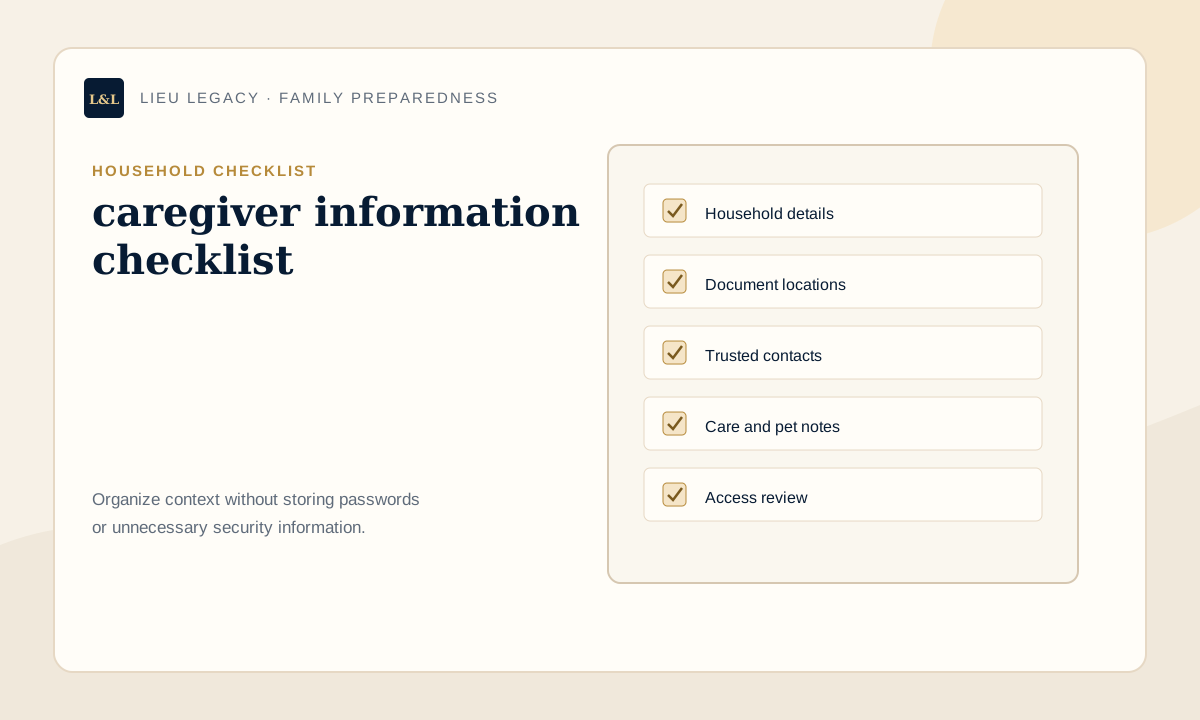
- Care recipient overview: add a plain-language location, responsible contact, review date, and limited next-step note without exposing unnecessary private data.
- Family contact order: add a plain-language location, responsible contact, review date, and limited next-step note without exposing unnecessary private data.
- Professional contact locations: add a plain-language location, responsible contact, review date, and limited next-step note without exposing unnecessary private data.
- Routine and preference notes: add a plain-language location, responsible contact, review date, and limited next-step note without exposing unnecessary private data.
- Medication-list location: add a plain-language location, responsible contact, review date, and limited next-step note without exposing unnecessary private data.
- Appointment and transport information: add a plain-language location, responsible contact, review date, and limited next-step note without exposing unnecessary private data.
- Home and accessibility notes: add a plain-language location, responsible contact, review date, and limited next-step note without exposing unnecessary private data.
- Review and consent record: add a plain-language location, responsible contact, review date, and limited next-step note without exposing unnecessary private data.
How to build the household roadmap step by step
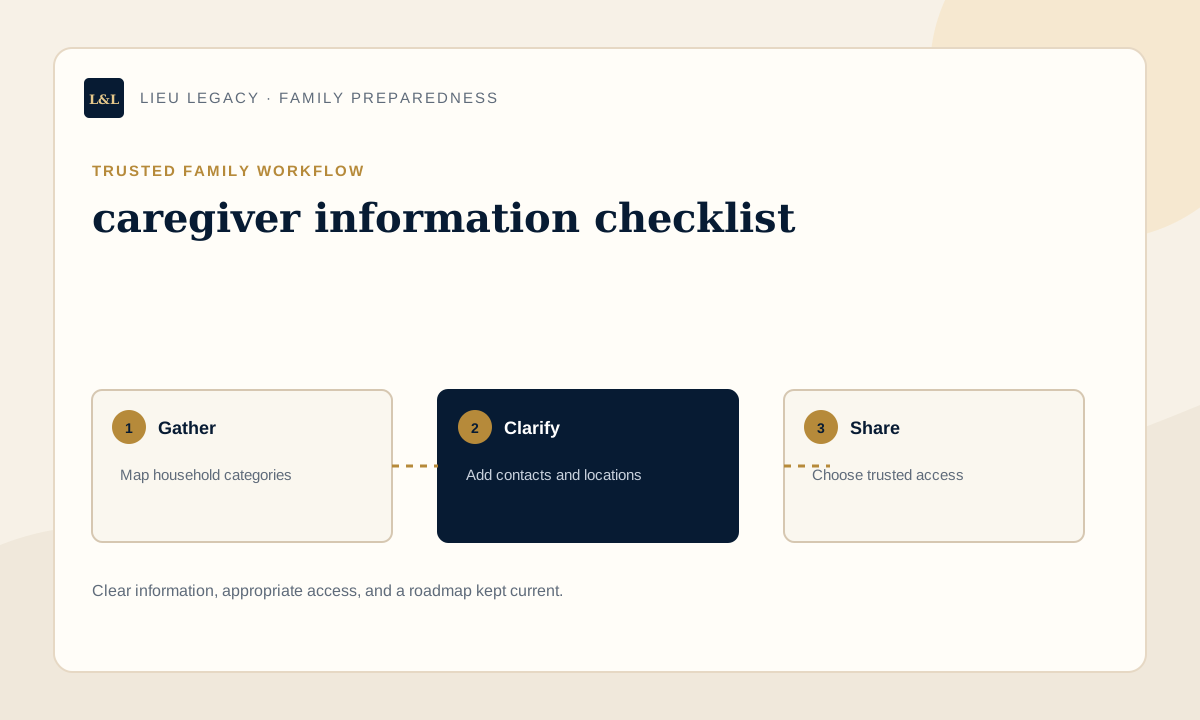
Start with an inventory, not a relocation project. Walk through existing folders, inboxes, service portals, calendars, and contact lists and write down the categories you find. Next, identify the current source for each category and remove or label obsolete duplicates. Choose one private roadmap as the index of record. Use consistent names, add the right contact, and include a last-reviewed date so age is visible.
Then write short instructions from the perspective of someone unfamiliar with the household. Replace “you know the usual person” with a name, role, and contact route. Separate questions that require a professional. Decide who should know the roadmap exists, who can see it now, and who may need access later. Finally, ask an appropriate trusted person to follow one harmless instruction. Their questions will expose vague language before it matters.
- List household categories before moving originals.
- Confirm the current source and responsible person.
- Use specific locations and consistent labels.
- Separate credentials and high-risk security details.
- Assign access according to role and need.
- Review after major household changes and at least annually.
Paper binder, digital vault, or hybrid system?
A paper binder is familiar, visible, and usable without an account. It can also become outdated, difficult to search, or unavailable away from home. A digital vault is easier to update and can support controlled access, but it depends on recovery planning, privacy settings, and the family's comfort with technology. A hybrid system keeps originals or physical reference material where appropriate and uses a digital roadmap for locations, contacts, and current instructions.
Choose the format by asking who will maintain it, who may need it, how quickly changes can be recorded, and how it will be backed up. No format fixes vague instructions. A beautifully labelled binder and a sophisticated app are equally weak if the listed contact moved years ago. The best system is understandable, appropriately private, portable enough for the family, and simple enough to keep current.
| Option | Works best for | Watch for |
|---|---|---|
| Paper binder | Physical reference and households comfortable with filing | Old copies, physical damage, and limited remote access |
| Digital vault | Searchable updates and carefully controlled sharing | Recovery, privacy settings, and product export |
| Hybrid | Physical originals plus a maintained family roadmap | Keeping paper and digital location notes synchronized |
Privacy, trusted contacts, and family access
Trust does not require unlimited access. Separate awareness from access: some people only need to know the roadmap exists, some may need a limited category, and a small number may need broader access because of an established role. A spouse, adult child, caregiver, executor, neighbour, contractor, and professional advisor should not automatically receive the same information. Record the minimum useful context and review permissions when roles or relationships change.
Explain the access process without placing the access secret inside the roadmap. Use a dedicated password manager for credentials and a restricted method for alarm codes or key information. Ask before listing someone as a trusted contact, especially when the role could create expectations. A family access plan should also say who removes outdated access and who can help if the primary account holder is unavailable.
What not to include in a general family binder
Avoid putting passwords, PINs, recovery codes, security answers, full payment-card numbers, alarm codes, spare-key locations, or unnecessary government identification numbers in a broadly shared binder. Do not copy detailed medical records, confidential professional advice, private letters, or every account statement merely to make the collection feel complete. The roadmap should point to authoritative sources rather than becoming an uncontrolled duplicate of them.
Care notes do not replace medical advice, consent requirements, professional care plans, or emergency services. Also avoid instructions that sound like legal, financial, medical, or emergency conclusions. Record the question, the relevant source, and the professional contact instead. A careful note such as “confirm with insurer” or “lawyer holds current original” gives loved ones a reliable next step without pretending the organizer can decide the issue.
Common family-preparedness mistakes to avoid
The most common weakness is a system designed only for its creator. Family shorthand, vague locations, duplicate versions, unexplained contact names, and undocumented routines force loved ones to reconstruct context. Another mistake is over-collection: a binder full of secrets can become too risky to share and too difficult to review. Keep the roadmap specific, restrained, and visibly current.
- Writing “in the usual drawer” instead of naming a location.
- Listing contacts without roles or alternate contact routes.
- Mixing old and current documents without labels.
- Assuming someone understands an unwritten household routine.
- Storing passwords or security codes with general notes.
- Creating the first version without assigning future reviews.
How LIEU Legacy helps
LIEU Legacy gives families a guided place to organize document locations, trusted contacts, account notes, wishes, household details, property information, and executor instructions. Instead of asking loved ones to interpret separate folders, the roadmap keeps practical context beside each category: who to contact, where the current source is, what needs review, and what the family should understand first.
The platform supports organization and communication rather than professional decision-making. Families can build the roadmap in manageable sessions, choose appropriate access, and create an exportable reference. LIEU Legacy is not a password manager, law firm, financial planner, medical provider, probate service, or emergency service. Its role is to make ordinary information clearer before loved ones need to use it.
When to speak with a professional
Prepared information can surface questions that need qualified judgment. A lawyer can address legal documents or authority, an accountant can address tax records, a financial professional can address planning decisions, and an insurance professional can address coverage. Health questions belong with medical professionals, urgent situations with emergency services, and passwords with a dedicated password manager. Organization can make those conversations more focused, but it cannot replace them.
For caregiver information checklist, involve a professional whenever the question moves from “where is this information?” to “what should we decide, sign, disclose, retain, or do?” Professionals can also advise on formal authority, original-document requirements, privacy duties, care plans, insurance processes, and jurisdiction-specific rules. Keep confidential advice in its proper file, then place only the useful location, contact, review date, and limited family instruction in the roadmap.
Frequently asked questions
What should a caregiver information checklist include?+
Include household categories that apply, trusted contacts, current document locations, account and service notes, family instructions, and a review date. Keep credentials and unnecessary sensitive information elsewhere.
Should a caregiver information checklist be paper or digital?+
Either can work. Paper is familiar, digital is easier to update and share carefully, and a hybrid can combine physical originals with a maintained roadmap. Choose based on access, privacy, recovery, and family comfort.
Who should have access to family preparedness information?+
Give access according to role and practical need. Some people may only need to know the roadmap exists, while an established trusted person may need selected sections. Review access after role or relationship changes.
How often should household information be updated?+
Review it at least annually and after a move, relationship change, new dependant or pet, property transaction, job change, provider change, major account update, or change in trusted contacts.
Does a caregiver information checklist replace emergency services or professional advice?+
No. It is an organization and communication tool. It does not replace emergency services, a will, legal advice, tax advice, financial planning, medical advice, probate counsel, or a password manager.
Create a private roadmap your family can actually follow.
LIEU Legacy helps you organize documents, contacts, account notes, wishes, household details, access notes, personal messages, and executor instructions in one private family vault.
Start My Family VaultContinue your family roadmap
Disclaimer: LIEU Legacy is not a law firm and does not provide legal, tax, financial, medical, emergency, cybersecurity, funeral, grief counseling, or probate advice. This article is for general organization and education only. For advice specific to your situation, speak with a qualified professional.