Estate Planning Software vs Document Vault: What Is the Difference?
Choosing family organization software is difficult because similar labels can describe very different products. One tool may store files, another may draft documents, another may hold credentials, and another may organize locations, contacts, and instructions. Feature lists do not always reveal which job a product is built to do. This guide provides separating legal-document workflows from family information organization. It is written for families trying to choose the right category of tool and compares workflows and decision criteria without fake rankings, reviews, or unsupported competitor claims. A useful estate planning software vs document vault decision starts with the family's actual task: what must be organized, who will maintain it, who may need it later, and what information should remain in a separate professional or secure system. The goal is not to choose the product with the longest feature list. It is to choose a method the family can understand, protect, update, export, and rely on for the limited purpose it genuinely serves.
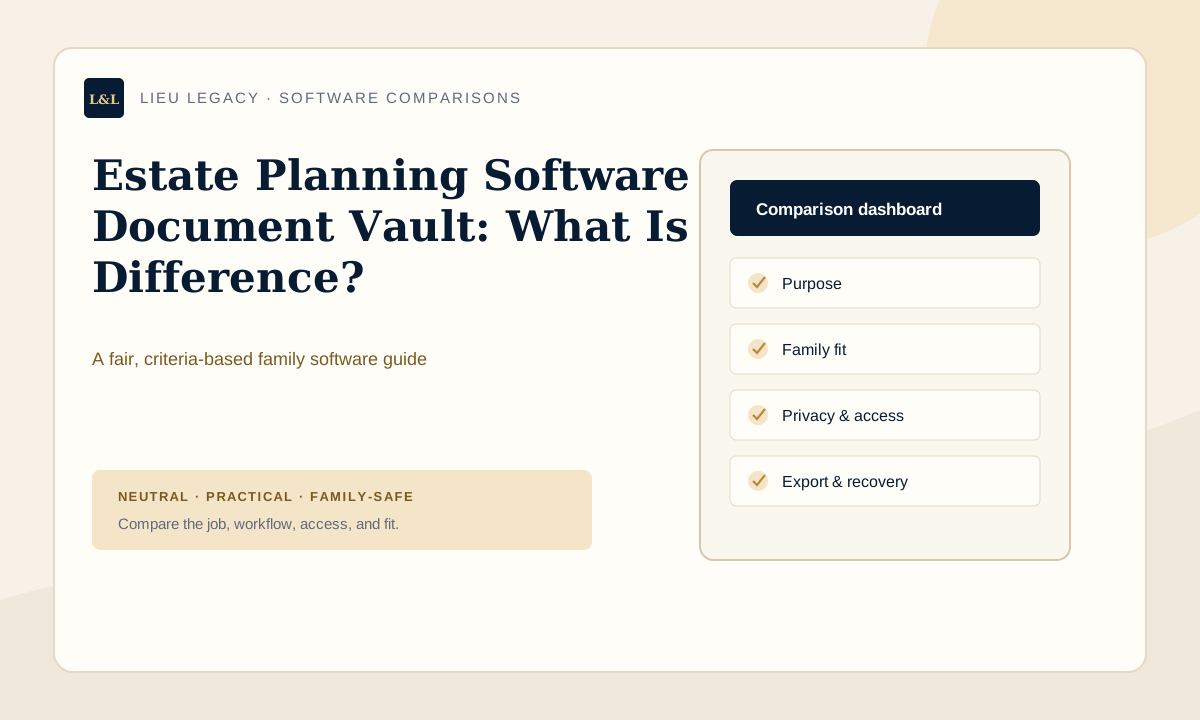
What estate planning software vs document vault tools are meant to do
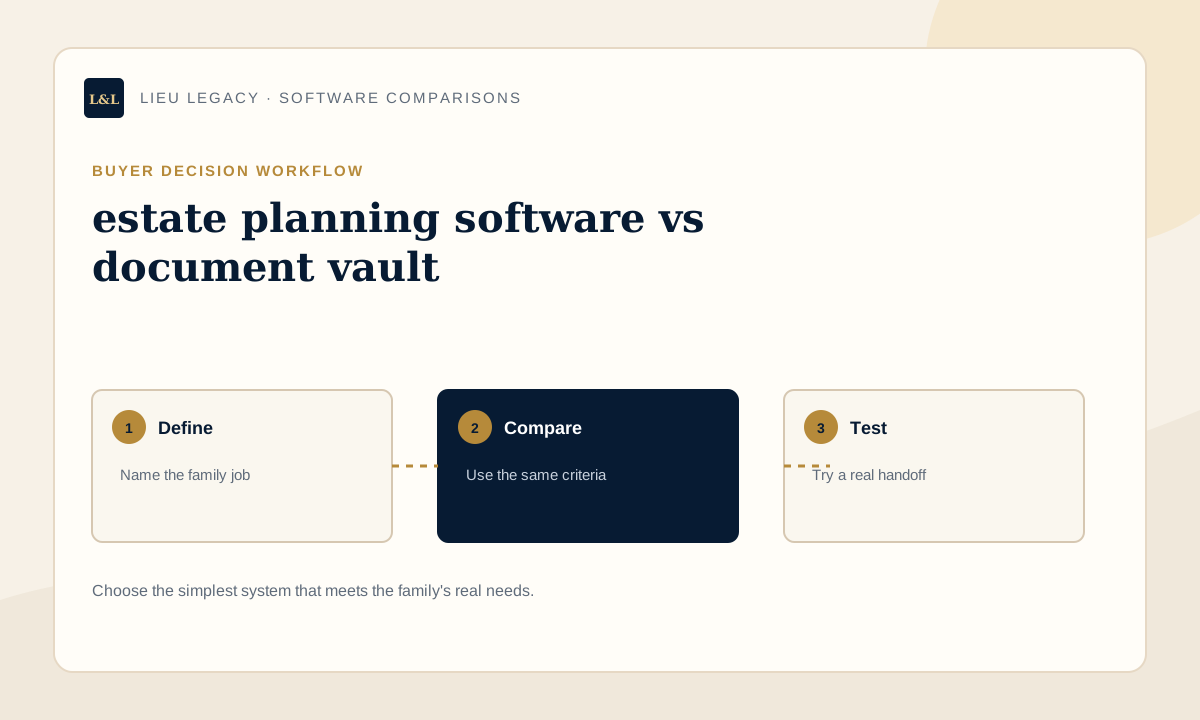
The category name alone is not enough. Some products emphasize uploaded files, others guided checklists, and others collaboration or legal workflows. Before comparing screens, write a one-sentence job statement such as “help my adult child find our advisors and current document locations” or “keep original files synchronized across devices.” A clear job statement prevents a polished but irrelevant feature from controlling the decision.
Also define what the chosen tool should not do. Credentials belong in a dedicated password manager. Legal documents and legal advice belong with qualified providers. Raw file storage may remain in a cloud drive or approved physical location. A family roadmap can connect those sources without trying to replace all of them. This separation makes the resulting system easier to explain and safer to maintain.
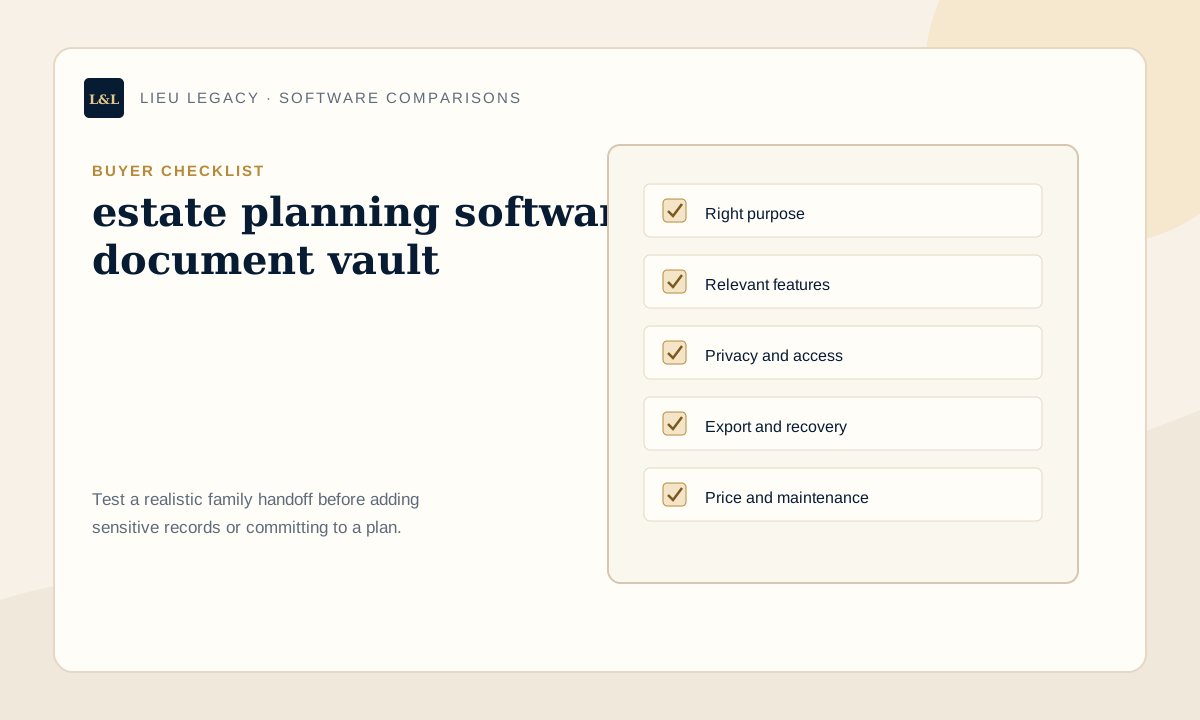
Buyer checklist for estate planning software vs document vault
Compare products against the same written checklist. Mark a criterion as required, useful, or unnecessary before starting a trial. Ask the person who may eventually use the roadmap to review the priorities. The checklist below reflects this search intent, but each household should remove irrelevant items and add its own constraints.
- Primary purpose: verify the current workflow, who can use it, what data it requires, and how the information can be exported or removed.
- Whether legal documents are created: verify the current workflow, who can use it, what data it requires, and how the information can be exported or removed.
- What information is stored: verify the current workflow, who can use it, what data it requires, and how the information can be exported or removed.
- Professional involvement: verify the current workflow, who can use it, what data it requires, and how the information can be exported or removed.
- Family instructions: verify the current workflow, who can use it, what data it requires, and how the information can be exported or removed.
- Access model: verify the current workflow, who can use it, what data it requires, and how the information can be exported or removed.
- Export options: verify the current workflow, who can use it, what data it requires, and how the information can be exported or removed.
- Product disclaimers: verify the current workflow, who can use it, what data it requires, and how the information can be exported or removed.
Paper, spreadsheet, cloud storage, or family vault?
Paper is familiar and can work well for originals or a simple household, but updates and remote access are limited. Spreadsheets are flexible and inexpensive, yet guidance, permissions, and readability depend on the creator. Cloud storage is strong for files and synchronization, though a folder hierarchy may not explain who to contact or what should happen next. A purpose-built family vault adds guided context, but it may introduce subscription cost and a new system to learn.
These options can be combined. A family might keep originals with a lawyer or in an appropriate physical location, store selected copies in a cloud service, keep credentials in a password manager, and use a roadmap for locations, contacts, and instructions. The key question is not which category wins in general; it is which combination creates a clear and maintainable handoff for this family.
| Option | Works best for | Watch for |
|---|---|---|
| Paper | Simple offline reference and physical originals | Updates, damage, search, and remote availability |
| Spreadsheet or template | Flexible low-cost lists | Guidance, permissions, and creator-dependent structure |
| Cloud storage | Files, synchronization, and general sharing | Context, instructions, and folder sprawl |
| Family vault | Guided locations, contacts, notes, and family roadmap | Fit, subscription, recovery, and export |
Who this type of tool is best for
A guided organizer is most useful when important information spans several categories or when another person may need to understand it. Examples include parents with dependants, homeowners, adult children helping parents, business owners, executors preparing ahead, and families whose records are split across paper, inboxes, advisors, and cloud folders. The benefit comes from shared structure and context, not simply from digitizing more material.
It is also a good fit when the current organizer wants review prompts, consistent labels, or an export that another person can read. A trial should include a realistic task: add one property, one insurance contact, one document location, and one family instruction. If the resulting roadmap makes sense to a trusted reader without an explanation, the structure is doing useful work.
Who this may not be right for
A purpose-built family vault may be unnecessary for someone with a very small set of records and a paper or spreadsheet system that is already current, private, and understood by the right people. It is also the wrong category for someone seeking legal-document drafting, professional estate advice, a dedicated password manager, a cybersecurity service, or only large-scale raw file storage. Those needs call for specialized products or professionals.
A document vault does not become legal-planning software simply because it holds estate-related information. Consider maintenance honestly. If no one will update a web app, a simpler method may be more reliable. If family members cannot access or understand the chosen format, technical sophistication provides little value. The best fit is the lowest-complexity system that meets the real requirements without creating an unmanaged second copy of sensitive information.
Privacy, access, recovery, and export questions
Ask what information the product expects, where it is stored, who can access it, and how permissions work. Review account recovery, multi-user access, data export, deletion, and what happens if the subscriber stops paying. Avoid absolute promises such as guaranteed security or hack-proof storage. A product's safeguards matter, but so do unique passwords, protected email accounts, careful sharing, device security, and prompt removal of outdated access.
Decide whether the system should store files, location notes, or both. Location-first organization can reduce duplication of sensitive records, while file storage may be convenient for selected documents. Neither model is automatically safer in every circumstance. Match the model to the data and ask a qualified cybersecurity professional when risks are complex or unusually sensitive.
Common software-buying mistakes to avoid
Buyers often choose from screenshots before defining the job, compare products using different criteria, or assume a category name guarantees particular features. Another mistake is importing every record during a trial before confirming export and access. Start with non-sensitive examples, read current terms, and test the handoff experience. Be cautious with rankings that do not explain criteria or disclose how information was gathered.
- Choosing the longest feature list instead of the clearest fit.
- Assuming organizer software creates legal documents.
- Using a family vault as a password manager.
- Ignoring recovery, export, deletion, or cancellation workflows.
- Giving every family member the same access by default.
- Failing to assign an owner and review schedule.
How LIEU Legacy helps
LIEU Legacy is a guided family roadmap for organizing document locations, trusted contacts, account notes, property and household details, wishes, personal messages, access notes, and executor instructions. It helps families connect practical context that may otherwise be split across files and conversations. The product is not positioned as a password manager, legal-document drafting service, cybersecurity provider, professional advisor, or universal file-storage replacement.
Families can begin with a free plan, build the roadmap over time, choose available plan options as their needs grow, and create an exportable reference. The current pricing page displays Free at $0, Family at $29 per month, Family Plus at $79 per month, and contact-based pricing for Executor / Advisor needs. Because prices and features may change, buyers should confirm current plan details directly on the pricing page.
When to speak with a professional
Software comparisons can clarify workflow, but they cannot answer every legal, security, financial, or record-retention question. Ask a lawyer about legal documents and authority, a tax or financial professional about their fields, and a cybersecurity professional about risks specific to your devices or organization. Review each vendor's current documentation for privacy, security, data use, recovery, export, deletion, and pricing. Category-level guidance is a starting point, not a substitute for due diligence or professional advice.
For estate planning software vs document vault, professional input is especially useful when records involve formal authority, regulated privacy duties, business systems, large numbers of users, cross-border information, or unusually sensitive data. Use the buyer checklist to prepare questions, then record only the resulting practical location, contact, access, and review information in the family roadmap.
Frequently asked questions
How do I choose estate planning software vs document vault?+
Define the exact job first, then compare purpose, relevant categories, privacy, access, recovery, export, maintenance, and price using the same checklist. Test a realistic family handoff before adding sensitive information.
What is the difference between estate planning software vs document vault and cloud storage?+
Cloud storage primarily organizes and synchronizes files. A guided family roadmap may focus on locations, contacts, context, and instructions. Some families use both for different jobs.
Should family organizer software store passwords?+
No. Use a dedicated password manager for passwords, PINs, recovery codes, and security answers. A family roadmap can record that an account exists and how the appropriate person finds the secure access process.
What should I test before paying for a family vault?+
Test setup, navigation, family access, updates, recovery, export, and cancellation with non-sensitive sample records. Confirm current prices and terms directly with the provider.
Does estate planning software vs document vault replace estate planning or professional advice?+
No. Organizer and vault products support information management. They do not replace a will, lawyer, accountant, financial planner, password manager, cybersecurity professional, or other qualified service.
Create a private roadmap your family can actually follow.
LIEU Legacy helps you organize documents, contacts, account notes, wishes, household details, access notes, personal messages, and executor instructions in one private family vault.
Start My Family VaultContinue your family roadmap
Disclaimer: LIEU Legacy is not a law firm and does not provide legal, tax, financial, medical, emergency, cybersecurity, funeral, grief counseling, or probate advice. This article is for general organization and education only. For advice specific to your situation, speak with a qualified professional.