Medical Document Location Checklist for Family Planning
Important family information often grows in separate places: a filing cabinet, email account, cloud folder, advisor's office, desk drawer, or one person's memory. That may feel manageable until someone else needs a clear answer. This guide explains mapping health-record locations, contacts, and preferences without medical advice. It is written for families organizing health-related contact and location information and focuses on calm organization rather than legal or financial conclusions. A useful medical document location checklist is more than a pile of files. It is a readable index of what exists, where the current record is kept, who can answer questions, and when it was reviewed. The goal is not to expose every private detail or move every original. It is to give trusted people enough context to find the right information, follow your instructions, and know when a qualified professional should be involved.
What a medical document location checklist actually means
The word “checklist” can suggest a one-time task, but family records are better treated as a maintained system. For each category, capture a plain-language label, a location that another person could understand, the relevant contact, the date reviewed, and any limited next-step note. A location might be “original held by Smith & Co., contact in professional directory” or “2025 folder in the locked home cabinet.” That is more useful than a vague note such as “with the papers.”
The system should match the household. A person with one home and a few accounts may need a short index. A family with businesses, several properties, dependants, or records in multiple countries may need more categories and professional contacts. Start with the records that would be hardest for someone else to identify. Then add detail gradually. Clarity, current information, and appropriate access matter more than producing a perfect binder in one weekend.
What to include in your medical document location checklist
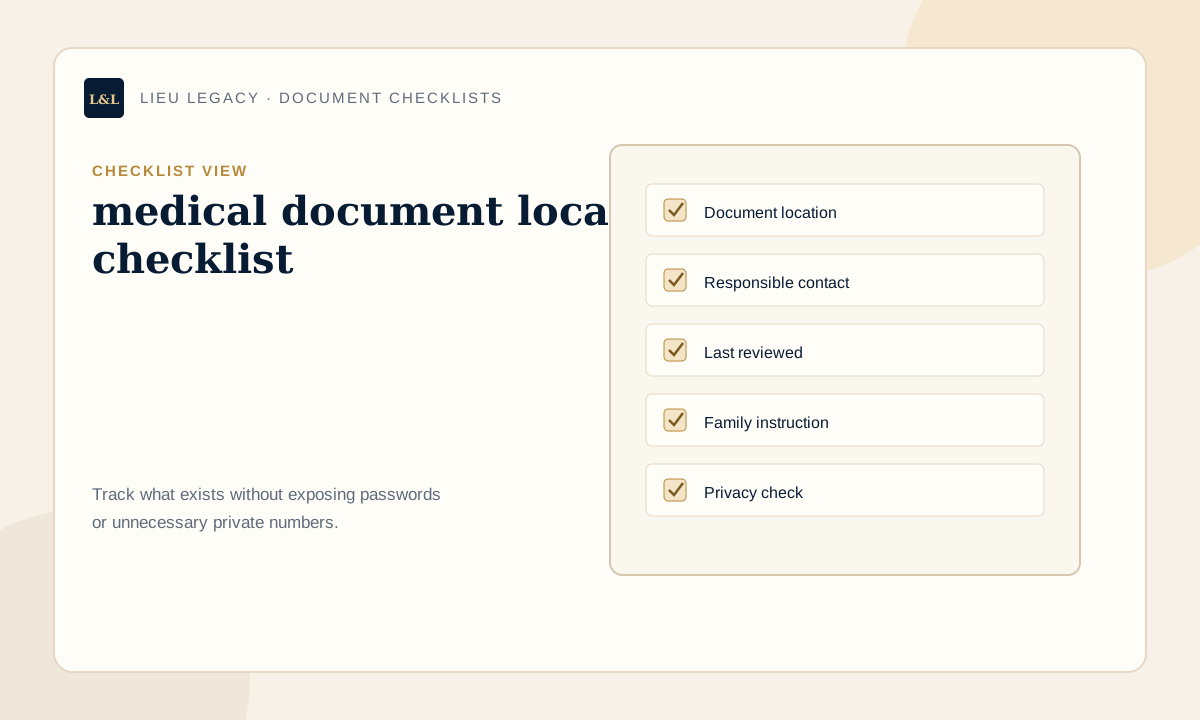
Use categories that describe how your family thinks about its responsibilities. Every entry should answer four questions: what is it, where is it, who can help, and when was it checked? The following list is a strong starting point for this topic. Add only categories that apply, and label anything intentionally omitted so a blank space is not mistaken for an oversight.
- Primary care and specialist contacts: record the current location, responsible contact, review date, and a brief next step without copying unnecessary sensitive data.
- Health insurance information: record the current location, responsible contact, review date, and a brief next step without copying unnecessary sensitive data.
- Medication list location: record the current location, responsible contact, review date, and a brief next step without copying unnecessary sensitive data.
- Allergy and condition summary location: record the current location, responsible contact, review date, and a brief next step without copying unnecessary sensitive data.
- Advance directive location: record the current location, responsible contact, review date, and a brief next step without copying unnecessary sensitive data.
- Pharmacy contact: record the current location, responsible contact, review date, and a brief next step without copying unnecessary sensitive data.
- Care facility information: record the current location, responsible contact, review date, and a brief next step without copying unnecessary sensitive data.
- Emergency information maintained elsewhere: record the current location, responsible contact, review date, and a brief next step without copying unnecessary sensitive data.
How to organize the records step by step
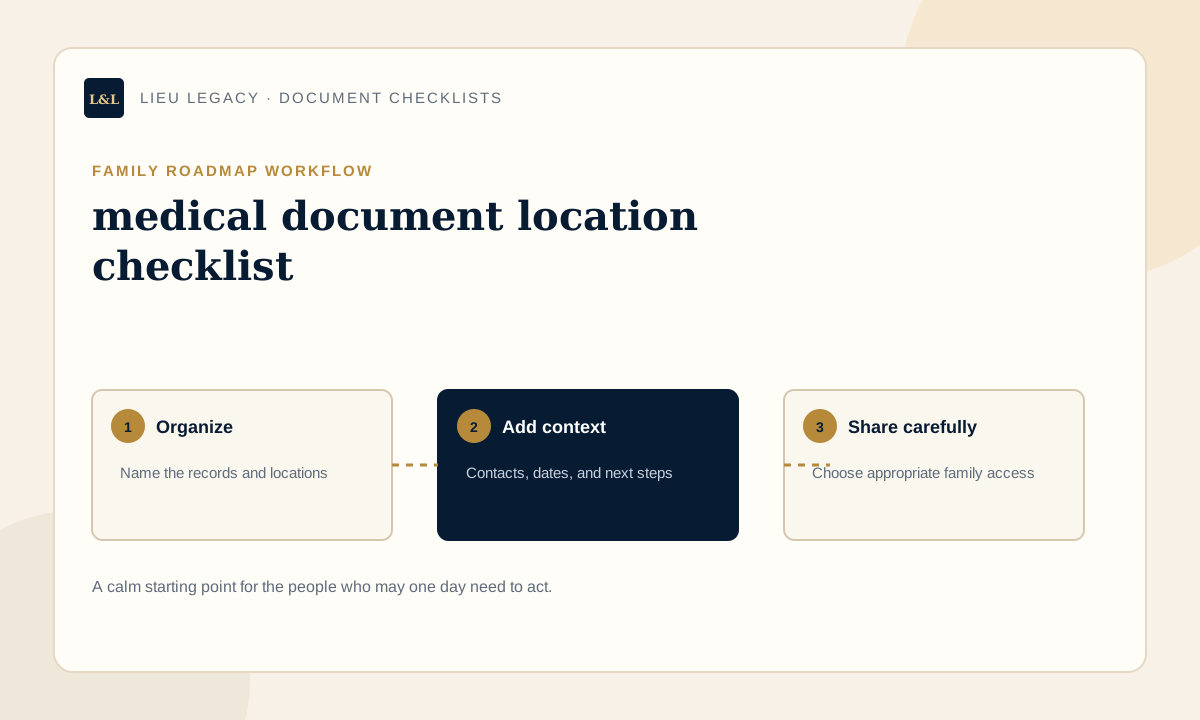
First, collect names of categories rather than moving original files. Walk through the home, email folders, cloud drives, and existing binders and write a simple inventory. Second, confirm which version is current. Duplicates create confusion, especially when an old form looks official. Third, choose one roadmap as the index of record and give each entry a consistent label. Fourth, attach the right contact and a review date. Finally, test the instructions with a trusted person: ask whether they could locate one non-sensitive item using only what you wrote.
Work in short sessions. One category at a time is easier to verify than a rushed whole-house project. Mark uncertain information as “confirm” rather than guessing. Keep a small follow-up list for missing records, outdated contacts, questions for professionals, and access decisions. When the first pass is complete, review the roadmap from the perspective of someone unfamiliar with your filing habits. Replace family shorthand with specific, neutral directions.
- Inventory categories before relocating originals.
- Confirm the current version and owner of each record.
- Use consistent names and specific location descriptions.
- Add a responsible contact and last-reviewed date.
- Test one location instruction with an appropriate trusted person.
- Schedule a six- or twelve-month review.
Paper, digital, or hybrid: which system works best?
Paper is familiar, works without a device, and may be appropriate for originals. It can also be difficult to search, update, copy, or reach from another location. Digital organization is easier to revise and can give a family a consistent navigation structure, but it requires thoughtful account access, backup, and privacy controls. A hybrid approach is often practical: keep originals where professionals recommend and use a private digital roadmap to record locations, contacts, and instructions.
Do not choose a format only because it feels modern or traditional. Consider who will use it, whether they can access it, how updates will be made, and what happens if the main device, home, or account is unavailable. The index should remain understandable if a particular app changes. Exportable summaries and a clearly named backup can reduce dependence on one format while preserving appropriate privacy.
| Option | Works best for | Watch for |
|---|---|---|
| Paper | Originals and people who prefer physical filing | Outdated copies, fire or water risk, and limited remote access |
| Digital | Searchable notes, updates, and controlled sharing | Account recovery, privacy settings, and platform dependence |
| Hybrid | Physical originals plus a maintained family roadmap | Keeping the index and physical locations synchronized |
Privacy and family access considerations
Useful access is not the same as unlimited access. Decide who needs awareness, who needs the roadmap now, and who may need access later. A spouse, executor, adult child, business partner, or advisor may each require different information. Record the minimum useful detail for the purpose. Institution names, document labels, contact information, and location notes are often enough to create a starting point without publishing balances, identification numbers, or private correspondence.
Explain how access is granted and what happens if you cannot grant it personally. Review sharing after relationship, role, or household changes. Remove people who no longer need access. If a document contains particularly sensitive medical, legal, identity, or financial information, ask the appropriate professional about storage and disclosure. Privacy is an ongoing decision, not a checkbox completed when the roadmap is first created.
What not to store in a general family checklist
A roadmap should help someone find the right source; it does not need to reproduce every source. Avoid placing passwords, PINs, security answers, recovery codes, full payment-card numbers, alarm codes, or unnecessary government identification numbers in a broadly accessible checklist. Do not copy private letters, detailed medical histories, or confidential professional advice simply to make the file feel complete. Use a dedicated password manager or another appropriate secure system for credentials.
This checklist is not medical or emergency advice; urgent needs should go to appropriate professionals or emergency services. Also avoid assumptions presented as facts. If ownership, designation, coverage, validity, or retention is unclear, write a question and identify the professional or institution that can confirm it. A careful “to be verified” note is safer and more useful than confident but outdated information.
Common document-organization mistakes to avoid
The most common problem is not a missing colour-coded folder; it is a system no one else can interpret. Vague locations, unexplained abbreviations, old contacts, duplicate versions, and access instructions known by only one person all weaken a roadmap. Another mistake is collecting so much sensitive detail that sharing becomes risky. Keep the index lean enough to review and specific enough to follow.
- Writing “in the filing cabinet” without naming the drawer or folder.
- Keeping several versions without identifying the current record.
- Listing a professional but not the firm, role, or contact route.
- Assuming a family member knows an unwritten routine.
- Storing credentials in the same broadly shared document.
- Finishing the first draft but never scheduling a review.
How LIEU Legacy helps
LIEU Legacy gives families a guided place to organize document locations, contacts, account notes, property details, wishes, and executor instructions. Instead of asking a loved one to interpret unrelated folders, the roadmap groups information into understandable sections and keeps the practical context beside each entry. That context can include who to contact, where an original is held, what needs review, and what the family should do first.
The platform is designed for planning support and communication, not for replacing professional work. Families can build the roadmap over time, choose appropriate access, and create an exportable reference. LIEU Legacy is not a password manager, law firm, financial planner, medical provider, probate service, or emergency service. Its value is a calmer starting point: organized facts, clearer instructions, and fewer important details left only in memory.
When to speak with a professional
A checklist can reveal questions that need professional judgment. Speak with a qualified lawyer about legal documents or probate, an accountant about tax records, a financial professional about planning decisions, an insurance professional about coverage, and a medical professional about health matters. Contact emergency services for urgent situations. Organization can focus the conversation, but it does not replace professional advice.
For medical document location checklist, seek help whenever the question changes from “where is this record?” to “what should this document say, mean, accomplish, or require?” Professionals can also advise on original-document storage, privacy duties, formal authorization, retention periods, and jurisdiction-specific rules. Keep notes from those conversations in the appropriate confidential file, then update the family roadmap with only the location, contact, review date, and practical instruction that trusted people need.
Frequently asked questions
What should be on a medical document location checklist?+
Include the categories that apply to your household, the current document location, a responsible contact, the last-reviewed date, and a short next step. Do not include passwords or unnecessary sensitive numbers.
Where should I keep my medical document location checklist?+
Use a private location that the right trusted person can reach. Paper, digital, and hybrid systems can all work when access, backups, updates, and privacy are planned clearly.
Who in my family should know about these records?+
Tell only people with an appropriate role or practical need. Different people may receive different levels of access. At minimum, one trusted person should know that the roadmap exists and how access works.
How often should family records be reviewed?+
Review them at least annually and after a move, relationship change, death, new child, property transaction, job change, major account change, insurance update, or change of executor or advisor.
Does a medical document location checklist replace a will or professional advice?+
No. It is an organization and communication tool. It does not create or replace a will, legal advice, tax advice, financial planning, medical advice, probate counsel, or emergency services.
Create a private roadmap your family can actually follow.
LIEU Legacy helps you organize documents, contacts, account notes, wishes, household details, access notes, personal messages, and executor instructions in one private family vault.
Start My Family VaultContinue your family roadmap
Disclaimer: LIEU Legacy is not a law firm and does not provide legal, tax, financial, medical, emergency, cybersecurity, funeral, grief counseling, or probate advice. This article is for general organization and education only. For advice specific to your situation, speak with a qualified professional.